One CAD/AVL system, different jobs to do. ETA gives every team a clearer view of service without losing the shared operational picture.
Operations struggle to respond to service disruptions in real-time without accurate vehicle locations.
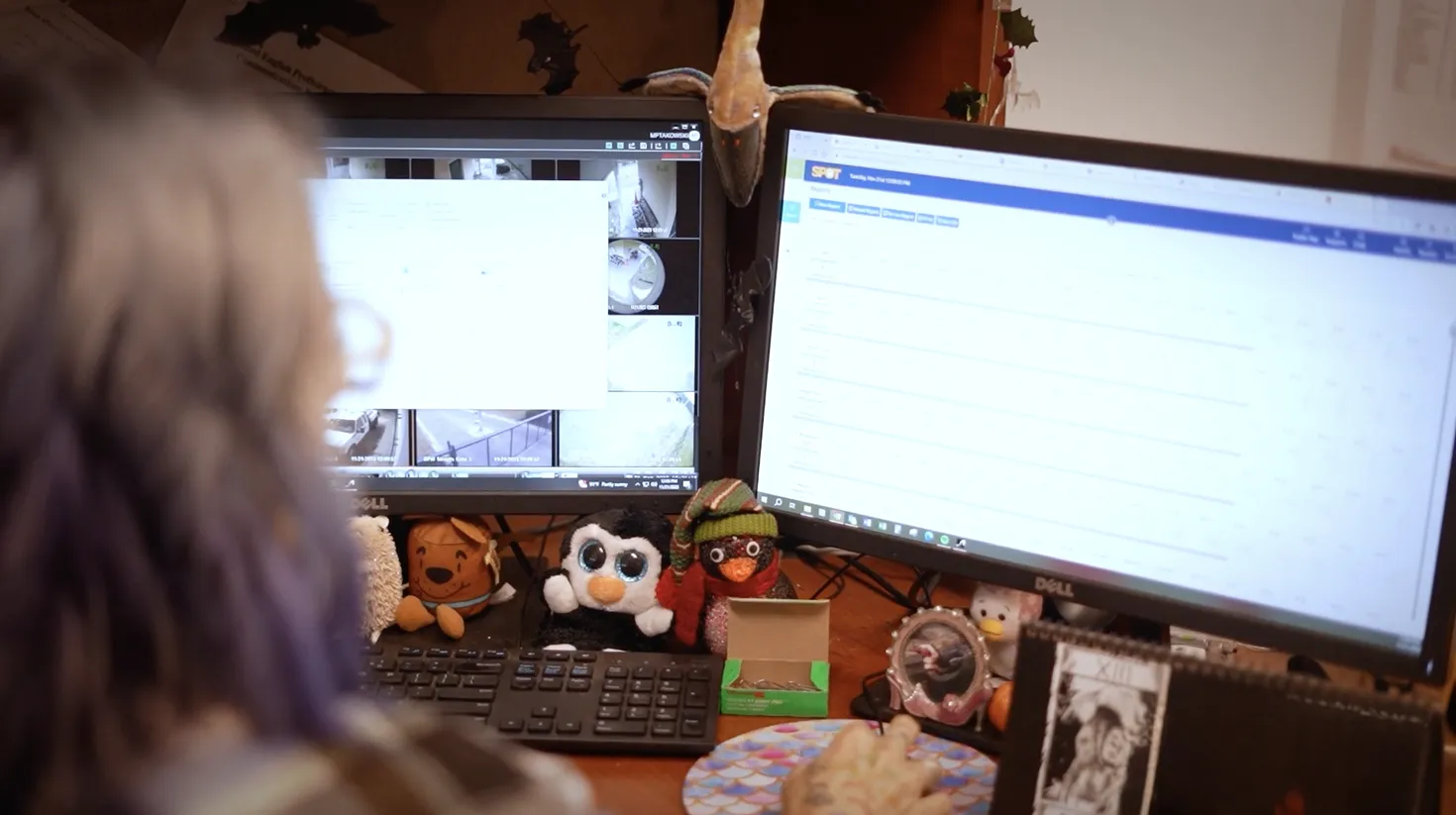
Dispatchers and managers need a complete operational picture. ETA integrates live tracking with communication tools to help dispatchers keep service on track.
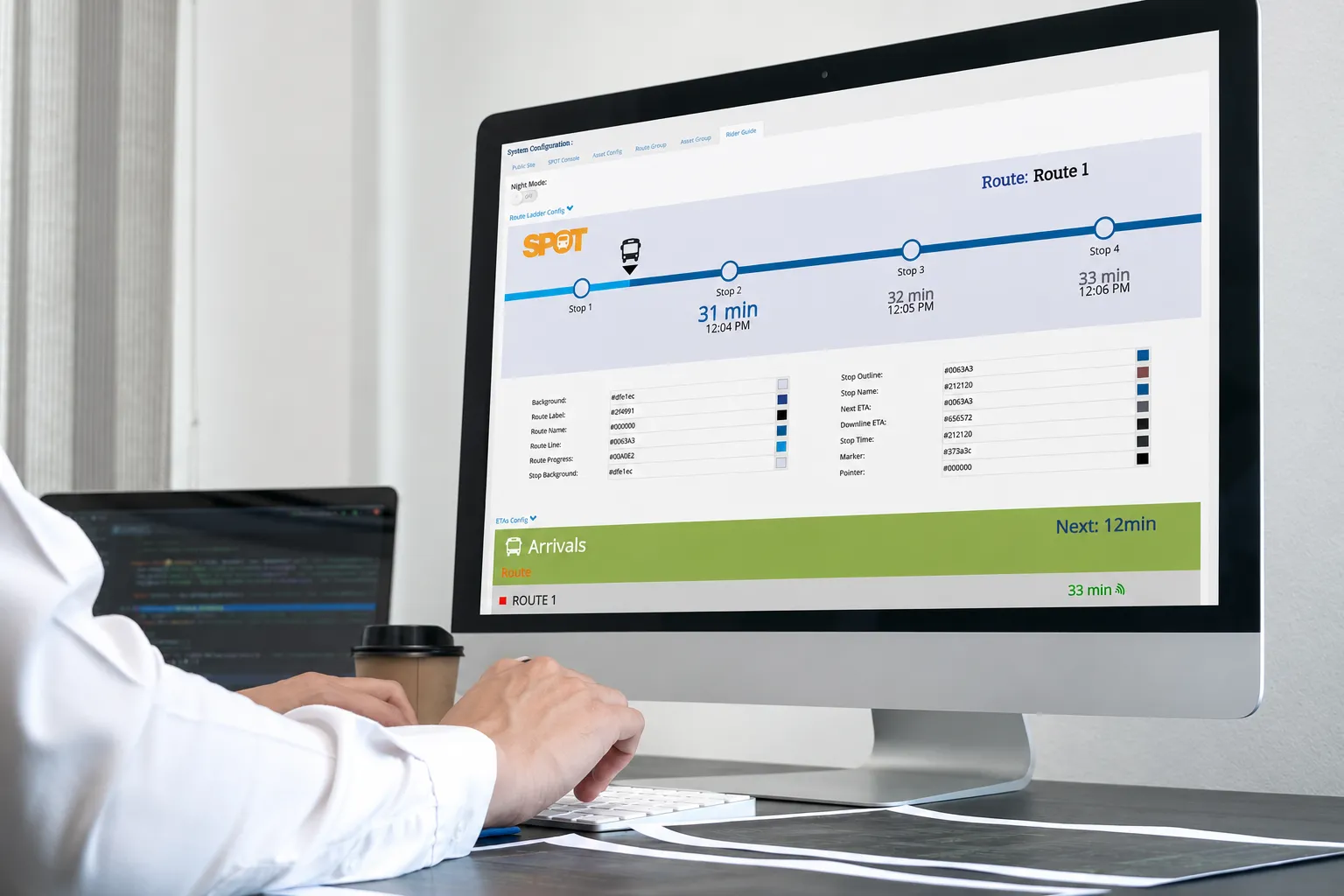
Real-time dispatch board: Manage routes, vehicles, and schedules in one unified interface.
Ad-hoc messaging: Contact drivers immediately via MDT or voice integration.
Incident management: Quick logging and rerouting for vehicle breakdowns or delays.



CAD/AVL built for agencies tired of working around their system
Agencies do not replace CAD/AVL because they want another software project. They replace it when the system no longer supports the work. ETA takes a different approach: reliable operational data, flexible integrations, faster implementation, responsive support, and tools that help agencies manage service.
Built for the web
Browser-based dispatch and monitoring — no installed clients, no VPN tunnels, no upgrade windows. Access ETA from any device, anywhere your team works.
Rugged hardware
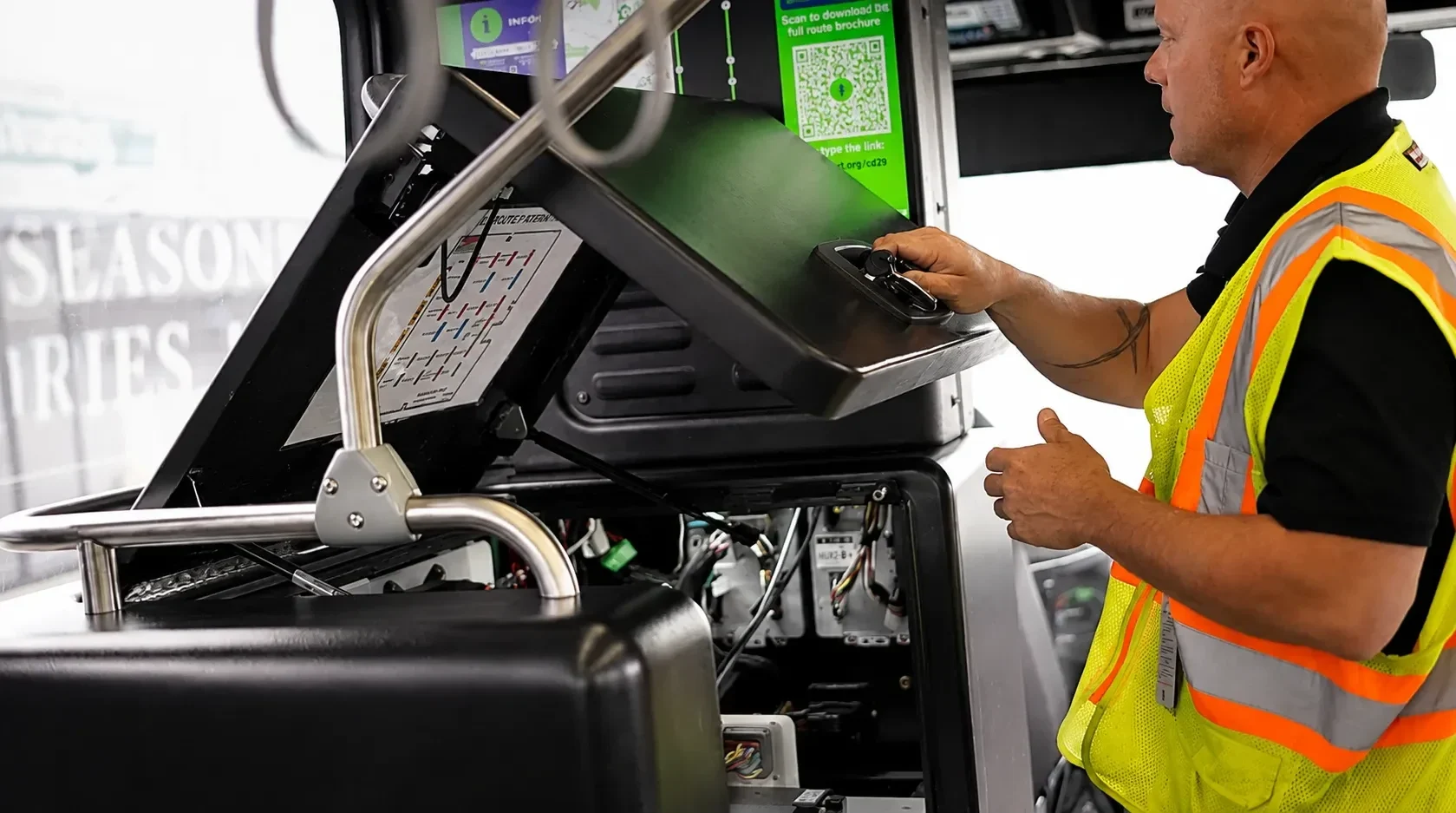
Onboard tablets and MDTs built for daily transit conditions: vibration, temperature swings, and continuous duty cycles — with field-replaceable components.
Open by design
GTFS, GTFS-RT, open APIs, and SSO out of the box. ETA connects to your existing ecosystem instead of replacing it with another closed silo.
Onboard systems that hold up in daily service
CAD/AVL only works when the vehicle, operator, and dispatch stay connected. ETA connects operators, vehicles, and dispatch through onboard hardware, mobile data terminals, and integrations with compatible vehicle systems.
Operator connection
The MDT gives operators access to schedule information, messages, dispatch support, and supported navigation workflows, so they are not left relying on memory, paper, or repeated radio calls.
Vehicle connection
ETA onboard systems send vehicle location, service data, and equipment status back to dispatch, so operations teams can understand what is happening without chasing information across disconnected tools.
Practical hardware flexibility
ETA can connect compatible fareboxes, APCs, radios, video systems, headsigns, announcements, and other onboard equipment where practical.
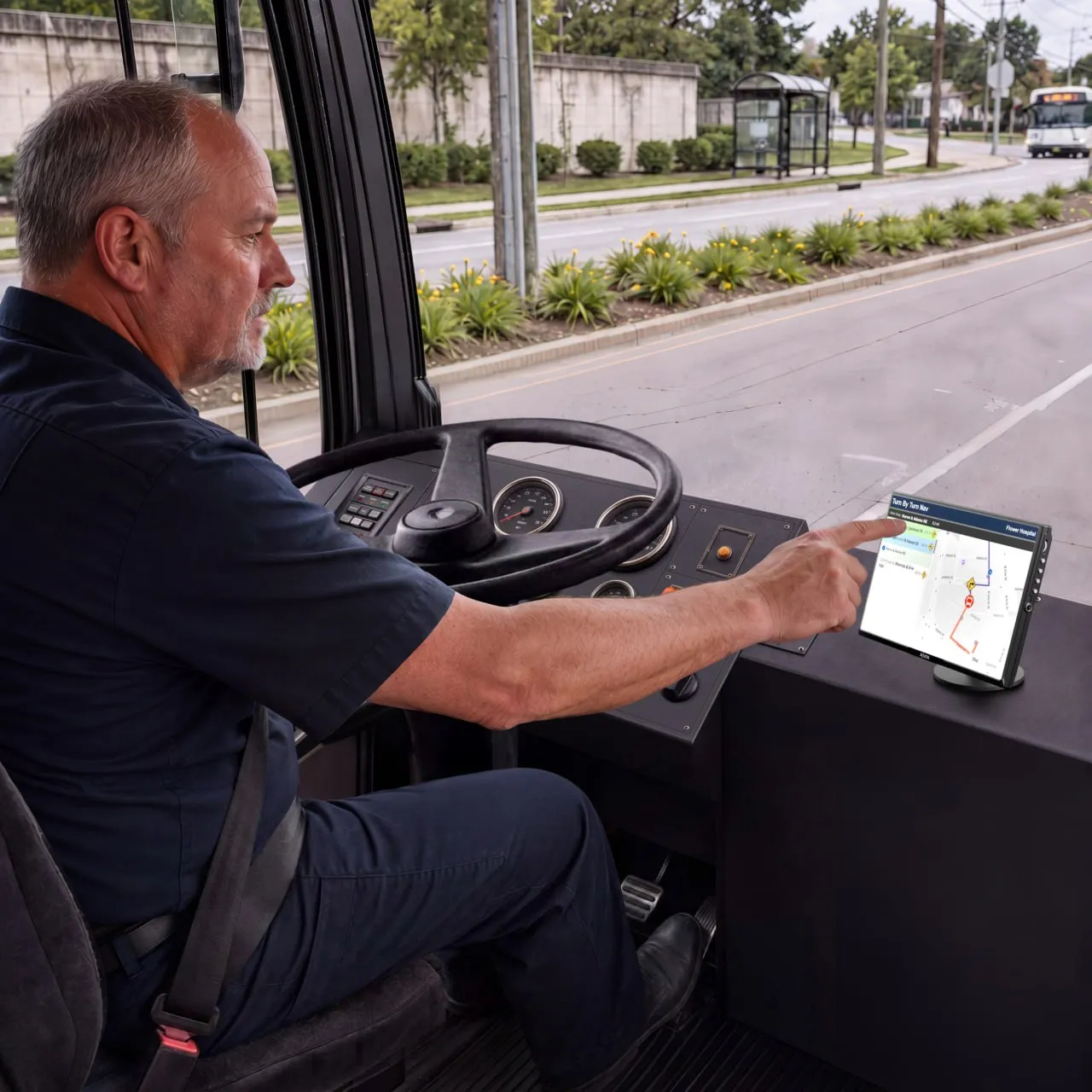
Keeping operators, vehicles, and dispatch aligned throughout the day
A more practical approach to CAD/AVL modernization
Legacy CAD/AVL systems can be the right fit for agencies that want a traditional enterprise deployment. ETA is built for agencies that want a clearer, more flexible way to manage daily service.

Flexible enough for the realities of transit operations


I am super happy so far as we have accomplished something that we were told was not possible. ETA has been very flexible during this entire process and worked closely with us to make sure our needs have been taken care of.
TARTA needed a modern CAD/AVL system that could support daily operations while integrating with its existing radio environment. ETA worked with the agency to connect critical systems, support service management, and build around the operational reality already in place.
ETA’s custom radio integration connected TARTA’s communications environment with its CAD/AVL system, helping the agency improve operational coordination without forcing a one-size-fits-all deployment.


Missoula — Recently selected
2026 CTAA Large Community Transportation System of the Year
Common questions about CAD/AVL
Learn how CAD/AVL works, what agencies should consider when replacing a legacy system, and how ETA supports real-time operations, reporting, rider information, integrations, and add-on modules.
AVL (Automatic Vehicle Location) is the technology that tracks the real-time geographic location of vehicles using GPS. CAD (Computer-Aided Dispatch) is the software system used by dispatchers to manage transit operations, assign drivers and vehicles, send alerts, and coordinate response efforts based on the AVL location data.
Unlike legacy systems that require on-premises servers, dedicated networks, and complex desktop software installations, cloud-based CAD/AVL operates in a secure web browser. This eliminates local server maintenance, allows dispatchers to access the system from anywhere, and ensures automatic updates without service disruptions.
ETA simplifies the transition by using standards-based APIs and a browser-based deployment model. We work closely with agencies to map existing routes, import schedule data, integrate with current hardware where practical, and train dispatchers and operators quickly to minimize service disruption.
ETA’s browser-based, cloud-hosted approach significantly reduces deployment timelines compared to traditional systems. A typical deployment takes between 2 to 4 months, depending on the size of the fleet, complexity of integrations, and schedule readiness.
Yes, ETA is designed with hardware flexibility. We can connect with compatible existing fareboxes, automatic passenger counters (APCs), digital headsigns, video security systems, and two-way radios, saving agencies from costly hardware rip-and-replace cycles.
ETA supports integrations with standard scheduling systems (via GTFS/GTFS-RT), automatic passenger counters (APCs), fare collection systems, smart signs, mobile applications, and Single Sign-On (SSO) systems. We utilize open APIs to ensure compatibility with modern transit tools.
Yes. Real-time arrival predictions, vehicle location coordinates, and service alerts are automatically fed into passenger-facing apps, digital signage, and GTFS-RT feeds, keeping riders informed with consistent and accurate information.
ETA provides comprehensive reporting on on-time performance (OTP), schedule adherence, actual running times, ridership (where APCs are connected), speed alerts, and operator activity. Reports can be exported or accessed via our dashboard for analysis.
Yes. ETA gives agency staff direct access to tools for managing routine service updates, creating temporary detours, broadcasting operator messages, and adjusting schedules without needing to wait for vendor support tickets.
Available add-ons include passenger-facing mobile applications, automated voice announcements, passenger counting modules, advanced reporting analytics, and integrations with transit planning and scheduling suites.
Additional features like automated passenger counters, stop announcement systems, real-time passenger information signs, and turn-by-turn navigation options can expand system capabilities, giving agencies a fully integrated setup to optimize operations.